A freelance photographer wants a portfolio that moves smoothly and looks like it cost a fortune. A friend tells her to try Framer, and ten minutes later she is staring at a blank canvas with no idea where to click.
That moment is why Framer added AI. This guide explains how the Framer AI website builder works, what you will pay once add-ons enter the bill, and when Olitt is the easier road for a small business.
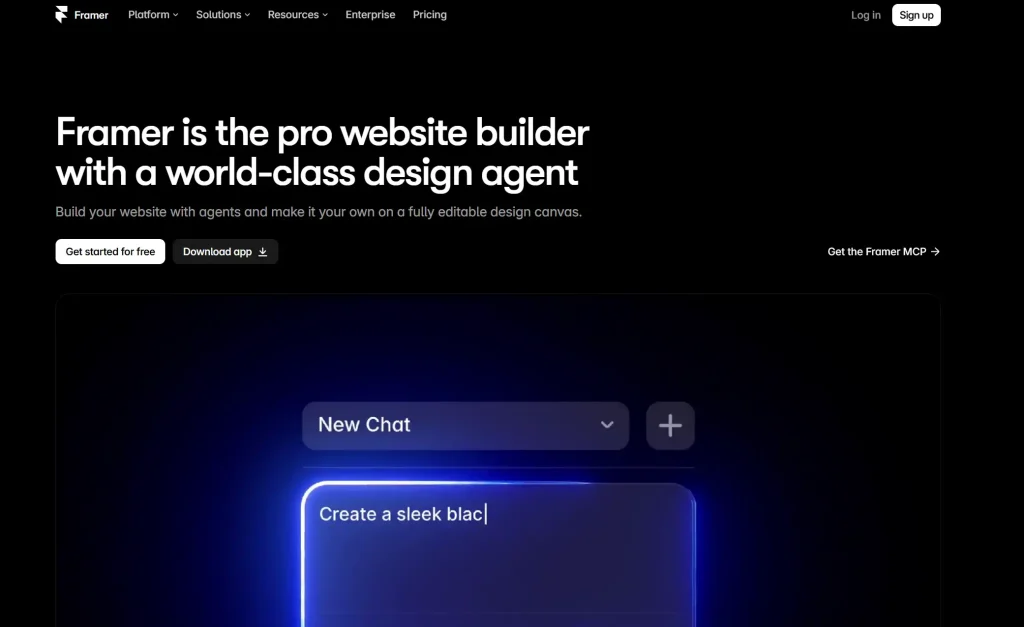
What Is the Framer AI Website Builder?
Framer is a visual website builder that started as a tool for designers. You build pages on a canvas, and Framer hosts and publishes them for you.
Its AI tools sit on top of that canvas. They help you skip the blank page, but you still work inside Framer to polish the result.
A review from June 2026 says these tools work best for marketing sites, such as landing pages and portfolios, and less well for app screens. Keep that in mind as you read on.
The Main AI Tools Inside Framer
According to a Framer AI review by SuperDesign, the main features are these.
- Wireframer. Turns a prompt into a first draft of a responsive page.
- Workshop. Turns plain English into interactive components that match your fonts and colors.
- AI Translate. Helps you run a site in more than one language.
- AI plugins and image generation. Add smaller helpers for content and visuals.
How the Framer AI Website Builder Works
- Start a new project and describe the page you want to Wireframer.
- Review the draft layout, then swap sections, text, and images.
- Use Workshop to build a custom piece, such as a pricing slider or a testimonial carousel.
- Check the page at desktop, tablet, and phone sizes.
- Publish to a Framer address, or connect your own domain on a paid plan.
None of this needs code.
What Happens After You Publish
Framer hosts the site for you. The free plan publishes to a framer.website address with a Made in Framer banner on it.
Paid plans remove that banner and let you connect your own domain. That is worth doing early, because a branded address builds trust.
If you are weighing other design-first tools, our review of the Figma AI website builder covers another route.
Framer Pricing
Framer charges per site, not per account. If you run three sites, you pay for three.
The figures below come from Framer’s pricing page and a pricing guide that checked it in October 2026. Prices are for yearly billing, so confirm the current numbers before you buy.
| Free | Basic | Pro | |
| Price per site | $0 | $10 a month | $30 a month |
| Pages | 1,000 | 30 | 150 |
| CMS items | Not stated | 1,000 | 2,500 |
| Bandwidth | 1 GB | 50 GB | 100 GB |
| Custom domain | No | Yes | Yes |
| Framer banner | Yes | No | No |
| AI credits each month | 500 to try | From 1,000 | From 3,000 |
The CMS is Framer’s tool for blog posts, product lists, and other repeating content. Notice how fast the page limit bites, since 30 pages on Basic is fine for a portfolio and tight for a growing business.
The Costs That Appear Later
The monthly price is only the starting line. Framer sells extras in blocks, and they add up.
- Extra editors. Additional editors cost $20 each a month.
- Extra bandwidth. The Pro plan adds $40 for each extra 100 GB.
- Extra locales. Each added language costs $20.
- Extra pages and CMS items. Both are sold in paid blocks above the plan limit.
- AI credits. They are sold in tiers, and unused credits do not roll over.
Here is a simple example. A Basic site costs $10 a month, and adding one editor makes it $30, which is the same as Pro.
Where the Framer AI Website Builder Shines
Framer earns its fans in a few clear situations. These are the cases where it beats a basic template builder.
- Animation and polish. Scroll effects and smooth motion feel native, not bolted on.
- Fast landing pages. A startup can test an offer with a sharp page in a day.
- Design freedom. You are not boxed into a rigid template grid.
- Reusable parts. Workshop components can be used again across pages.
- Built-in hosting. There is no separate hosting bill to manage.
If you are a designer, marketer, or founder who enjoys visual tools, Framer is a strong pick.
Tips
Framer can still be the right call, and a few habits keep the bill and the stress low. These come straight from the limits and costs above.
- Start on the free plan. Use the 500 trial credits to test Wireframer on your own idea before you pay.
- Count your pages first. List every page you need, then check it against the 30 page limit on Basic.
- Count your editors. If two people will edit, price Pro from day one, since Basic plus one editor costs the same.
- Plan your CMS. Decide how many blog posts or listings you will add this year, then compare that to the item limit.
- Add a domain early. A branded address helps with trust, and paid plans unlock it.
- Set a review date. Credits do not roll over, so check each month whether you used what you paid for.
Spend one evening on this list before you subscribe. It is cheaper than finding the limits after your launch.
Olitt: A Simpler Path to a Business Website
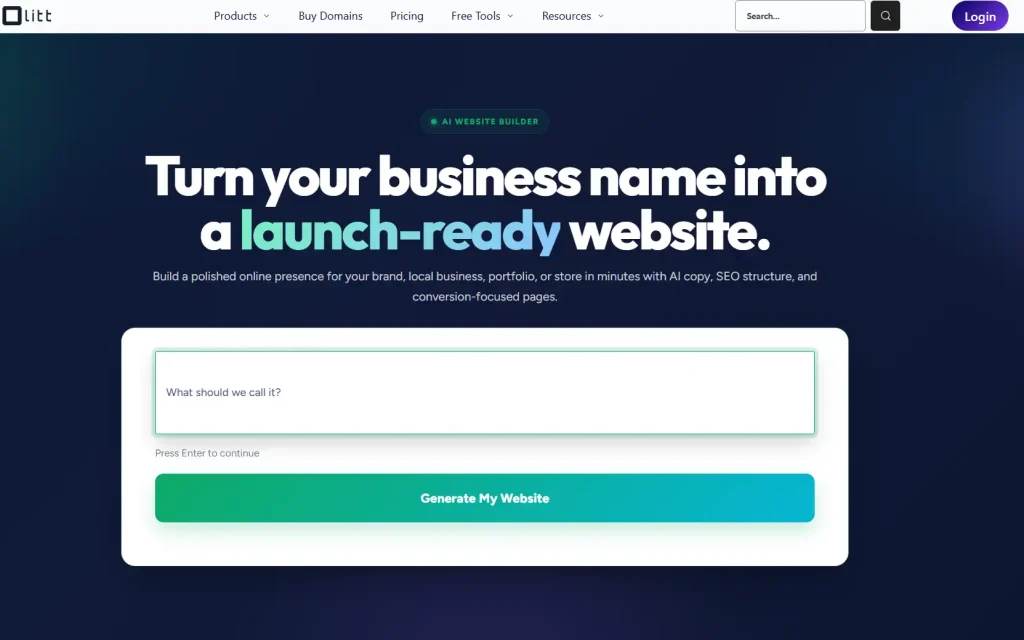
Olitt takes a different route. It is an AI website builder, a domain registrar, and a hosting provider in one account, made for small businesses and entrepreneurs.
You answer questions about your business, and the builder creates pages, sections, and content for you. Then you edit anything you like and publish.
What You Get With Olitt
Plans change, so confirm details in the Olitt pricing section before you buy. At the time of writing, the plans look like this.
- Free plan. An AI-built website, free hosting, basic SEO tools, and an Olitt subdomain.
- AI Website Starter at $6.99 a month. Free SSL, SEO and marketing tools, one business email, DNS management, and version control.
- WordPress hosting from $9.99 a year. A good fit if you prefer the WordPress route.
- Domain tools. Search for a name, use the AI domain name generator, and run a WHOIS lookup in the same place.
Framer and Olitt Side by Side
| Feature | Framer | Olitt |
| Built for | Designers, marketers, and startups | Small business websites and online presence |
| Starting point | A prompt and a design canvas | Questions about your business |
| Pricing model | Per site, plus add-ons and AI credits | Flat plans, no credit meter |
| Free plan | Yes, with a Framer banner | Yes, with an Olitt subdomain |
| Custom domain | Paid plan needed | Buy or connect in the same account |
| Business email | Not part of Framer plans | One included on the Starter plan |
| Skill needed | Comfort with a design canvas | Answer questions, edit visually |
| Best for | Brand sites with rich motion | Shops, salons, clinics, freelancers |
The table does not crown a winner. It shows which tool fits which job.
Which One Fits Your Situation?
Real examples make the choice easier. Here are three common cases.
A Brand Designer Selling Her Own Services
She loves motion, wants full control, and already works with design tools. Framer suits her, because she can build a site that feels custom and publish it without a developer.
A Salon Owner in Nairobi
He needs services, prices, a map, and a way to get bookings, and he has never used a design canvas. Olitt fits better, because the builder asks about his business and creates the pages for him.
A Freelancer With a Portfolio
She wants a simple site on a .co.ke address with her work and a contact form. She also wants a business email on the same name.
Olitt keeps the domain, hosting, site, and email under one login. She avoids per-site fees and add-on blocks for a six-page site.
A Five-Minute Test Before You Pay
Answer these honestly, and the right tool usually shows itself.
- Do you enjoy design tools and want fine control over motion? Lean toward Framer.
- Do you want a site made for you from a few questions? Lean toward Olitt.
- Do you need an online store? Check the limits first, since Framer has no native ecommerce.
- Do you want one flat price instead of add-ons? Lean toward Olitt.
- Do you need a domain and email in the same place? Olitt keeps it simple.
How to Start With Olitt
Getting a first version live takes less time than reading most pricing pages. Here is the usual path.
- Create your account on Olitt and open the website builder.
- Answer the questions about your business, such as what you sell and where you work.
- Review the pages the AI creates and edit text, images, and sections.
- Pick or connect a domain, using the built-in domain search if you need a name.
- Publish, then keep improving with the SEO tools as your business grows.
You can begin on the free plan and upgrade when you are ready for a custom domain and business email. If you are also weighing prompt-based tools, our review of the Lovable AI website builder covers that route.
Frequently Asked Questions
Does Framer have an AI website builder?
Yes. Its AI tools include Wireframer, which drafts a page from a prompt, and Workshop, which builds interactive components from plain English.
Is the Framer AI website builder free?
There is a free plan with 500 AI credits to try. It publishes to a framer.website address with a Framer banner, and a custom domain needs a paid plan.
How much does Framer cost?
Basic is listed at $10 a month and Pro at $30 a month per site on yearly billing. Extra editors, bandwidth, and languages cost more.
Can I export my Framer site as code?
Reviews say there is no native code export. Your site stays on Framer hosting with its runtime components.
Is Olitt cheaper than Framer for a simple business site?
Olitt paid plans start at $6.99 a month with no credit meter. Framer charges per site and sells add-ons, so the better deal depends on how much you need.
Build Your Website With Olitt Today
If you need a business website and not a design project, skip the canvas and the add-on blocks. Olitt gives you an AI website builder, domains, hosting, and business email in one place.
Start free, publish your first pages this week, and upgrade only when your business is ready. Your customers are already searching for you, so give them a site worth finding.