A
AI brand strategy
Generate messaging, structure, and content aligned with your business goals from day one.

Build a polished online presence for your brand, local business, portfolio, or store in minutes with AI copy, SEO structure, and conversion-focused pages.
Press Enter to continue
One moment while we read what you told us.
Ctrl + Enter to continue
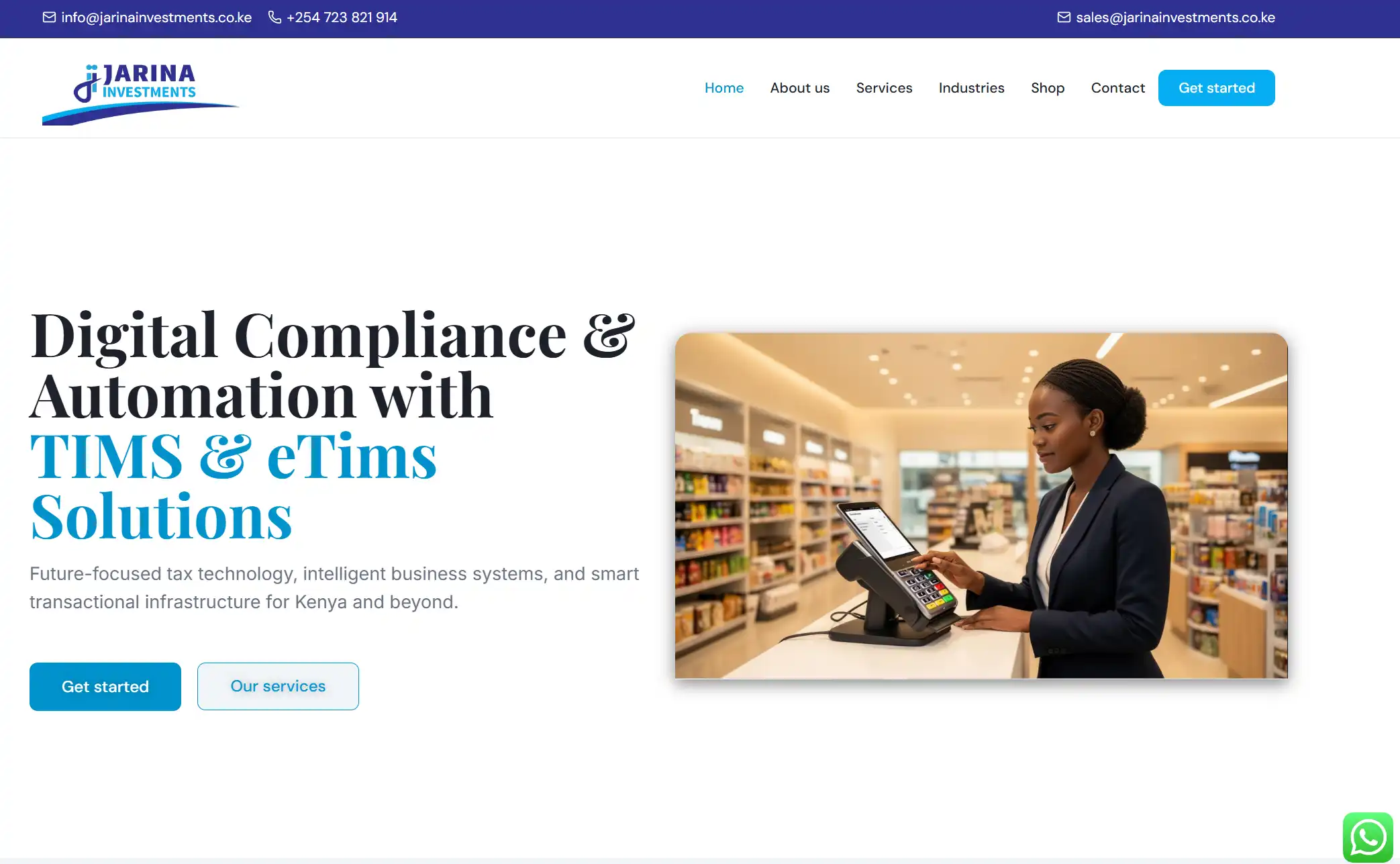
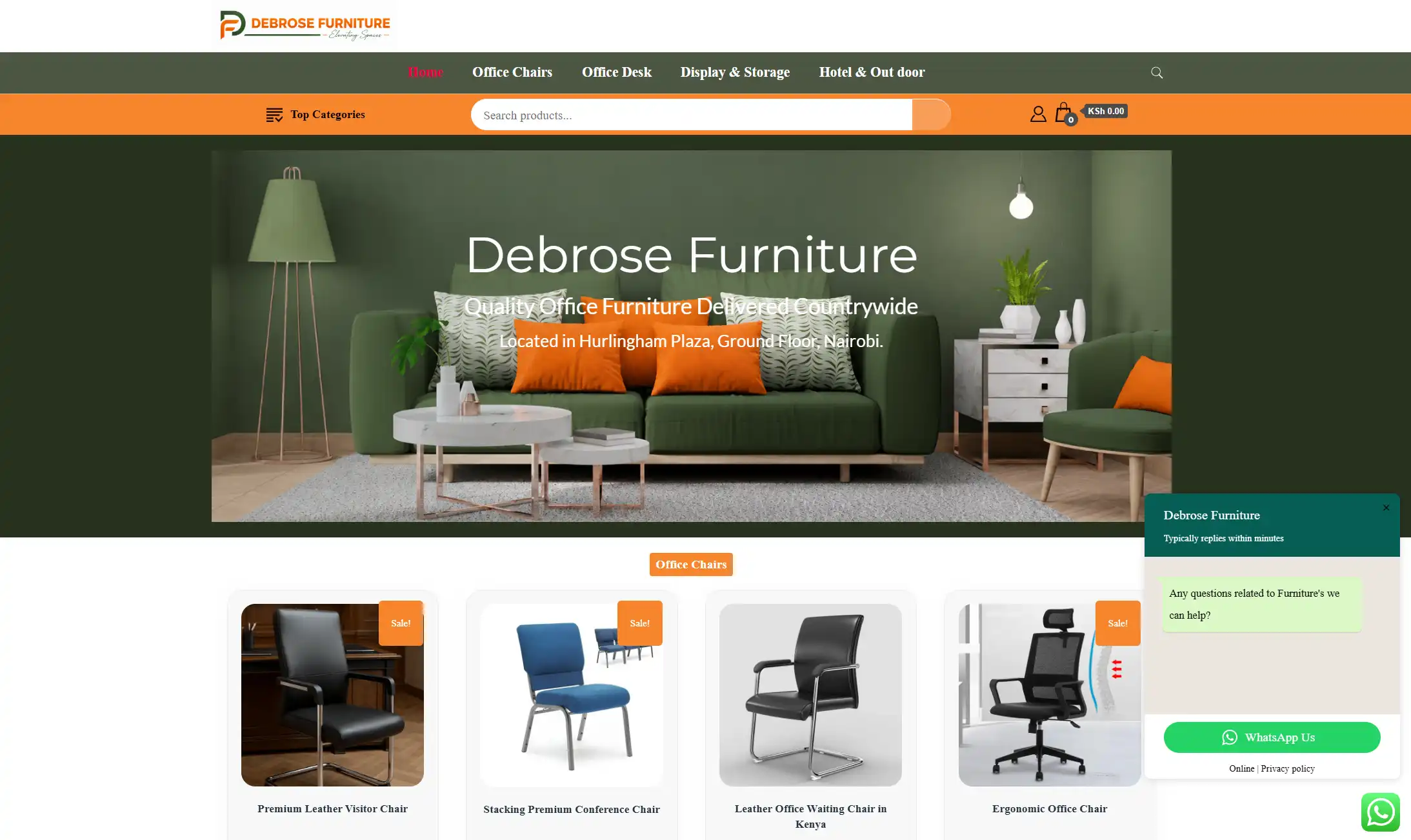
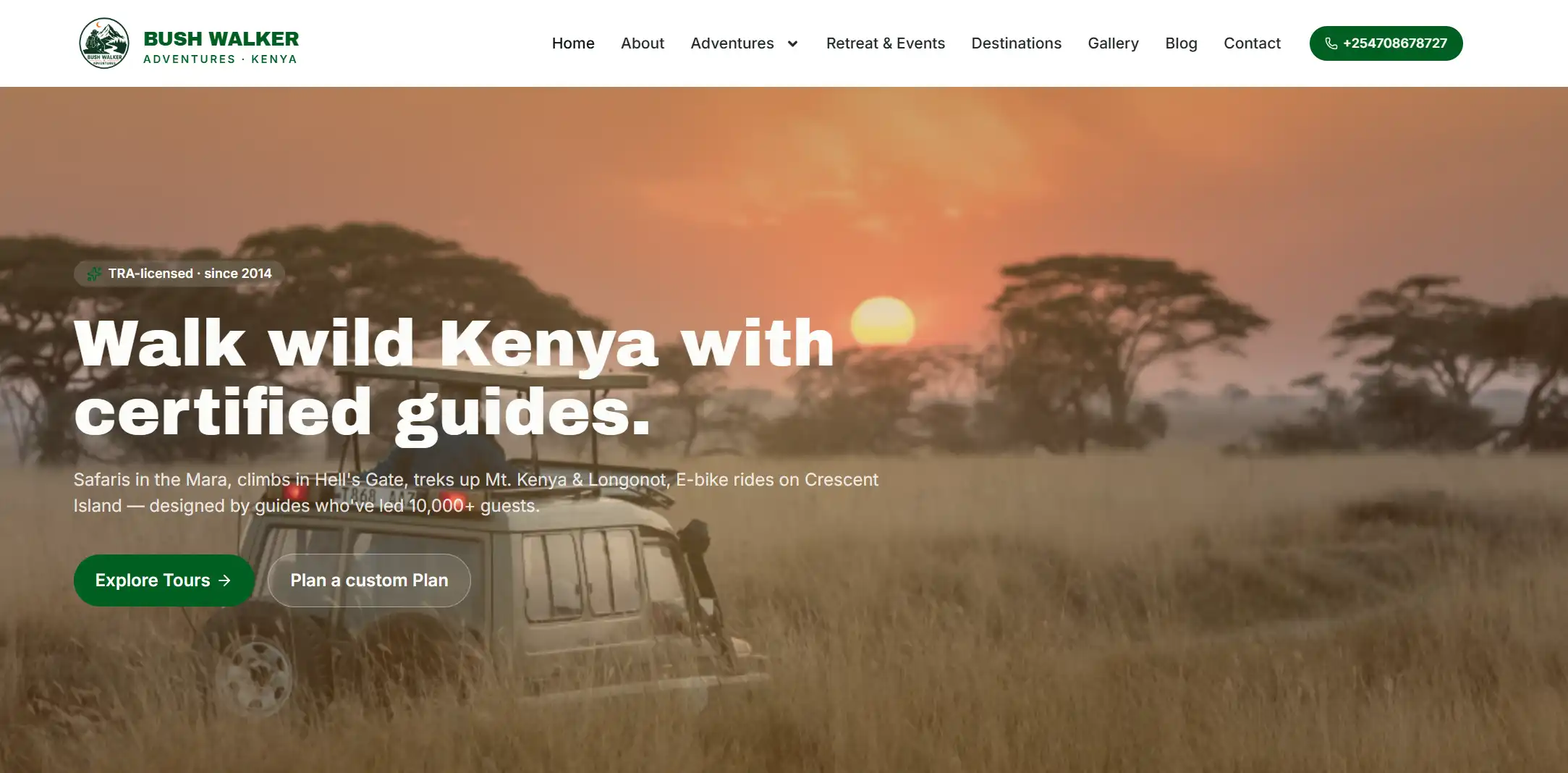
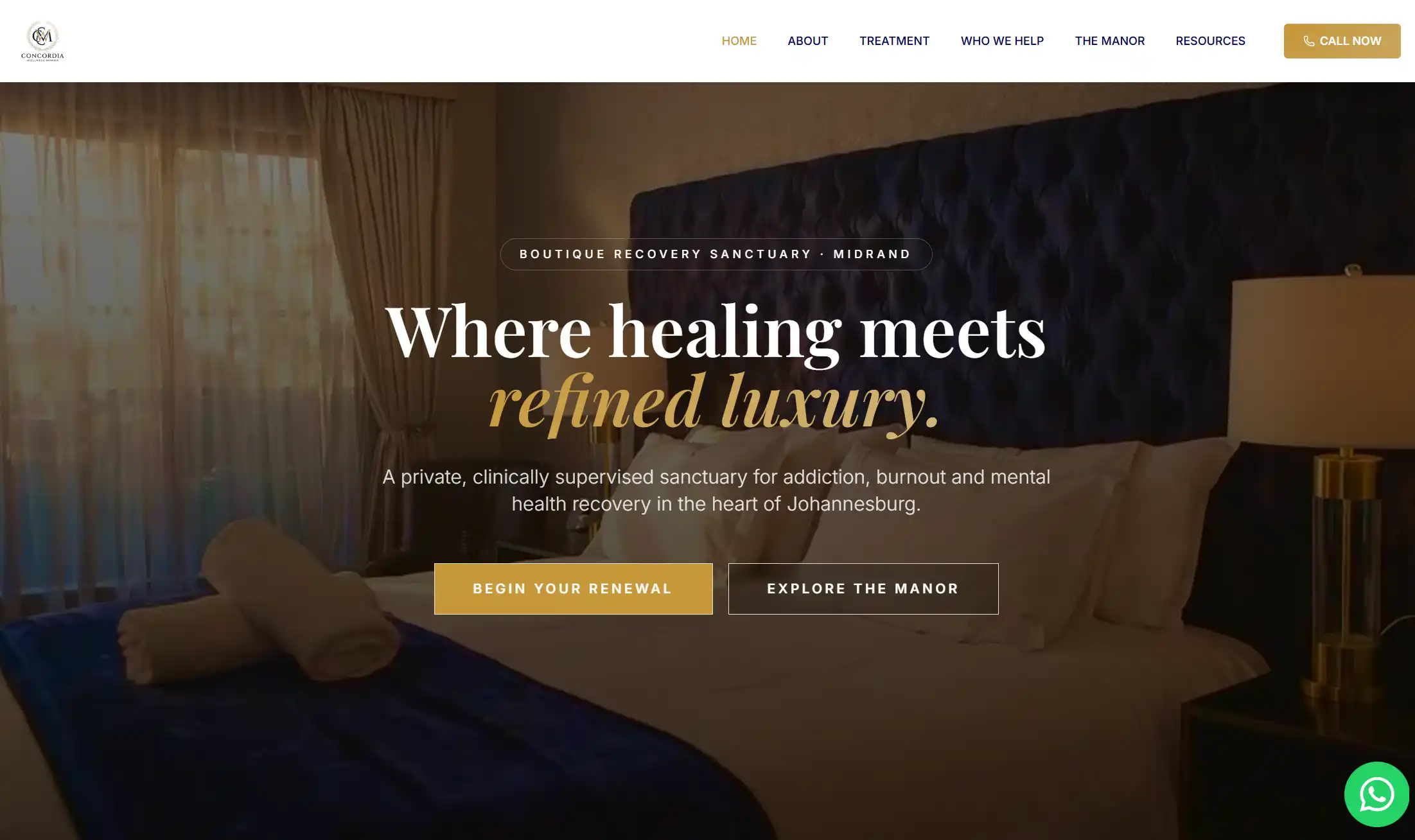
Generate messaging, structure, and content aligned with your business goals from day one.
Every page is built with clean SEO structure, local schema, and conversion-ready copy.
Collect inquiries, bookings, and leads with forms, CTAs, and contact flows included.
Update headlines, images and text directly on the page without jumping between tools.
Olitt turns your business name and market into a site that feels intentional, useful, and ready to convert.
| Feature | Olitt | Other tools |
|---|---|---|
| AI-generated website | Yes | Limited or template-only |
| Inline editing | Yes | Often manual and clunky |
| SEO structure | Built in | Extra setup required |
| Local business optimization | Built in | Needs plugins or add-ons |
| Lead capture | Included | Separate or paid |
| Website + domain support | Unified | Disconnected tools |
Your site ships with clean markup, fast page speed, correct heading structure, and built in optimization tools.
Olitt helps your business show up on Google with zero effort from your side.
Add structured data for local business, products, services, events, articles, and FAQs with a simple click.
The schema wizard boosts visibility in search results and helps Google understand your content.
Restaurants, salons, real estate agents, SACCOs, lawyers, plumbers, tutors, gyms, clinics, freelancers.
Olitt creates tailored websites with copy, images, and pages that match your location and service type.
Restaurants, salons, real estate agents, SACCOs, lawyers, plumbers, tutors, gyms, clinics, freelancers.
Olitt creates tailored websites with copy, images, and pages that match your location and service type.
Edit your page like you edit a document.
Click any text and update it on the spot.
Change headings, swap images, adjust sections, and fine tune your layout without leaving the page or opening side menus.
Fast global CDN, SSL certificates, backups, and high uptime. No need for separate hosting plans.
Understand which pages attract the most visitors, which pages convert best, and how users interact with your brand. You can even connect GA4 for Google Data
Register or transfer your .com domain for less
Register
Transfer
Renew
Beyond websites, Olitt is a full business platform with websites, online shops, WordPress hosting, marketing automation, analytics, and customer engagement tools built in.
Create a complete website in seconds.
Olitt writes your content, designs the layout, generates images, and sets up SEO ready pages with inline editing for quick updates.
Key benefits
Free SSL and hosting
SEO optimized pages
Local business schema
Unlimited inline edits
Integrations with WhatsApp, GA4, Tag Manager, Meta Pixel
Connect any domain
✔ Free SSL and hosting
✔ SEO optimized pages
✔ Local business schema
✔ Inline edits
✔ Integrations with WhatsApp, GA4
✔Connect any domain
Launch a simple and fast online shop.
Sell products, accept payments, track orders, and manage customers without technical setup.
Features included
Olitt also supports creators who prefer WordPress.
Get lightweight, secure hosting plus AI features to help you launch fast.
Included
Your website comes with powerful marketing tools at no extra cost.
Store, organize, and segment all contacts from forms, purchases, or manual imports.
View growth trends and interaction history from a simple dashboard.
Create and embed forms anywhere on your website.
Track form submissions, top performing forms, and conversion sources inside Olitt.
Send newsletters, onboard new customers, or nurture leads with automated email sequences.
Monitor opens, reads, and failed messages from your email analytics panel.
Create engagement items such as call to action blocks, offers, reminders, and marketing assets to fuel conversions.
Group customers by behavior, interests, or activity.
Run targeted campaigns to improve click rates and conversions
✔ Node, PHP, Python, more
✔ Git-integrated workflows
✔ Scalable and secure
| Feature | Olitt | Other Competitors |
|---|---|---|
| AI Website Builder | Full site generated instantly | Basic AI tools, not full site generation |
| Inline Editing | Yes, instant on page editing | Limited or no inline editing |
| Annual Price | 19 dollars | 100 to 300 dollars per year |
| Trial | 1 dollar full access | No or limited trial |
| SEO Ready Pages | Yes, optimized automatically | Often needs plugins or apps |
| Local Business Schema | Built in | Usually missing or requires plugins |
| Free Domain | Yes | Paid add on |
| Free SSL | Yes | Included but sometimes tier restricted |
| WordPress Hosting With AI | Yes | Not available |
| Marketing Suite | Included | Requires separate tools like Mailchimp or HubSpot |
| Bulk Email Marketing | Included | Paid add on |
| Drip Campaigns | Included | Requires expensive pro tier apps |
| GA4 Integration | 1 click connection | Manual setup required |
| Analytics Dashboard | Built in growth dashboard | No or limited inside builder |
| Contacts Management | Full CRM lite included | Paid extensions or external apps |
| Forms | Fully functional forms included | Limited or requires apps |
| Hosting And CDN | Included at no extra cost | Included |
| Best For | Local businesses, SMEs, creators, shops, enterprises | Designers or large enterprise budgets |
Launch a professional website for your shop, agency, clinic, restaurant, or service business.
Olitt creates fully polished pages with AI then gives you inline editing for easy updates.
Olitt powers websites across multiple regions with fast hosting, global CDN, and reliable uptime.
Your site loads quickly for all visitors no matter where they are
Get priority help whenever you need it.
Enjoy direct access to experts, faster response times, and personalized guidance for your website
At Olitt, we built our domain search to feel effortless. You type your idea, and our engine checks availability across top extensions in seconds.
Our checker scans multiple registries in real time so you see exactly what is open, what is taken, and what strong alternatives you can claim right now.
If a name is already registered, our generator suggests close variations that keep your brand identity intact without forcing you to settle. You can opt to do a deep dive on our ai domain name generator.
Once you find the right domain, registration is simple. Secure it instantly, add hosting if you need it, and manage everything from one clean dashboard.
DNS settings, renewals, and transfers all stay in one place so you never lose track.
You can also use Olitt to explore new ideas, check availability for upcoming projects, or bring in domains you already own. We focus on making the entire experience smooth from search to launch.
Just a business name or idea. Enter it in the builder then let Olitt generate your site.
Yes. You can connect any domain from any registrar with guided setup.
Yes. Every site includes SEO ready structure, schema markup, fast loading pages, and clean code.
No. Hosting, SSL, backups, and CDN are included.
Yes. Use the visual editor to adjust anything. You stay in full control.
Yes. Add unlimited pages including services, about, contact, landing pages, and blogs.
No. You get full access to the AI builder and all features.
You can create an Olitt website in these simple steps:
Login to your Olitt profile (create one if you haven’t)
Go to the right corner of your profile and click “Create Websites”
Browse through the available templates, select one that suits your needs, and proceed to create your website.
To log in from the Truehost client area, start by accessing your Truehost client area profile.
Enter your Truehost login details to log in.
After logging in, scroll down the page until you find the “Get Started” section where you’ll see the Olitt logo.
Click on the Olitt logo to proceed.
To begin, log in to your Olitt profile.
Then, at the top right corner of your profile, click on "Create shop."
Next, browse through the available templates, select one that suits your needs, and proceed to create your shop.
Once you’ve chosen your template, you can edit your website by hovering over the image and clicking "Go to Editor," or by clicking the dropdown menu under "Site Actions" and selecting "Edit."
To connect a domain to your website, follow these steps:
After selecting your template, navigate to the dropdown menu under "Site Actions" and choose "Connect Domain."
If you don’t have a domain, click on "Purchase Your Own Domain" to acquire one.
If you already own a domain, select "Connect Domain."
When connecting your domain, ensure that you have either linked your domain’s DNS Manager to our nameservers (ns1.olitt.com, ns1.olitt.net) or pointed your domain’s A record to our IP address.
This process will seamlessly integrate your domain with your website.